
Furniture guide
5 minHow high should your chair, desk and monitor be?
Ergonomics calculator: enter your height and get chair, desk and monitor heights. Plus the 3 adjustments in order, common mistakes and how to adapt a fixed desk.
By the LuxaLine · Grupo ConstruMarket team · Updated
The short answer
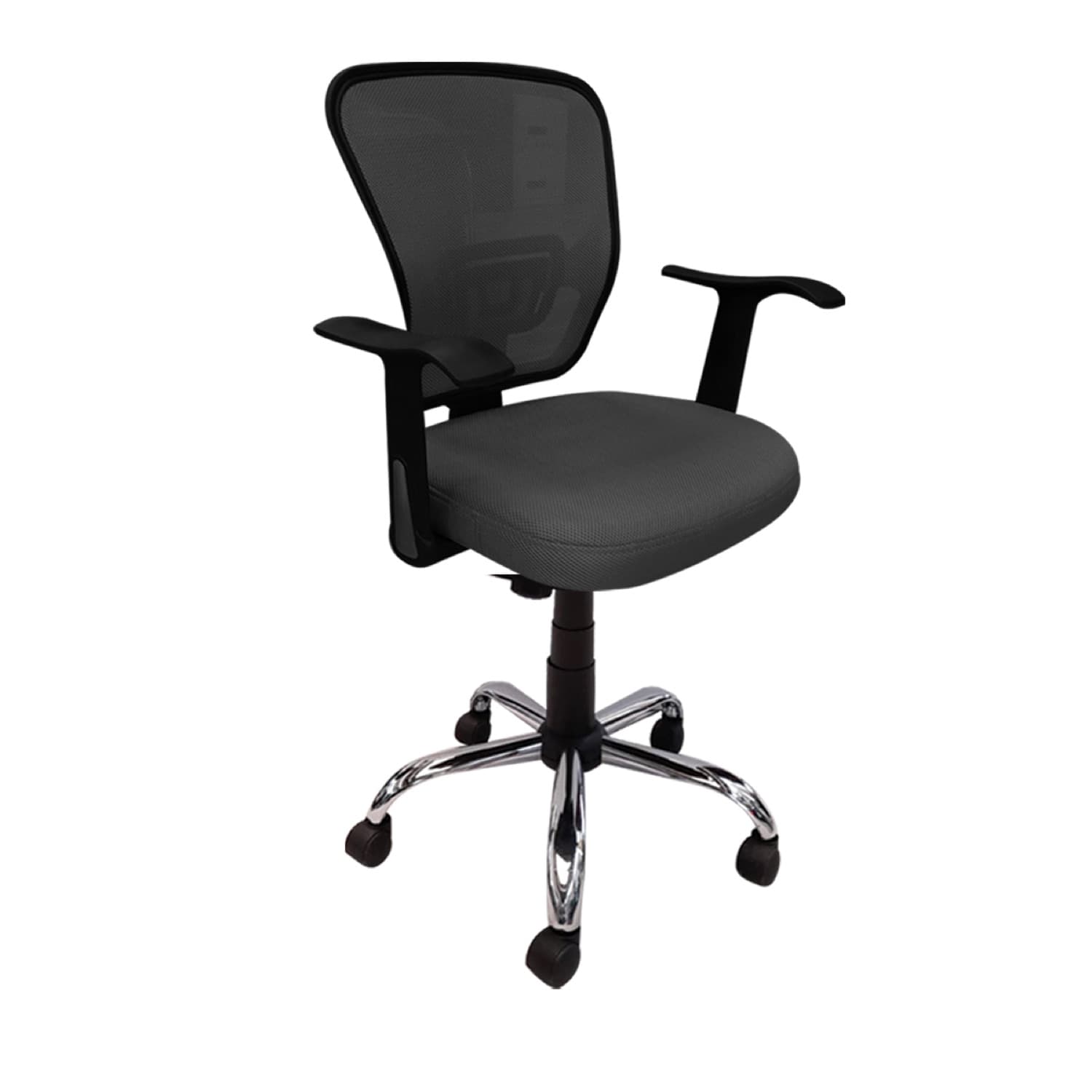
For most adults, the desk sits 70–75 cm off the floor; the rule is that, seated with the chair properly adjusted, your elbows rest at 90° on the surface. Raise or lower the seat until your feet are flat and your knees close to 90°, and put the top edge of the monitor at eye level, an arm's length away. Order matters: chair first, then elbows, then screen. Work out your numbers from your height with the calculator on this page.
Reference measurements
| Element | Reference | How to check |
|---|---|---|
| Seat | Feet flat, knees ≈ 90° | If your feet dangle, lower the seat or add a footrest |
| Desk | 70–75 cm for most adults | Elbows at 90° on the surface, shoulders relaxed |
| Monitor | Top edge at eye level | At arm's length; no neck twisting |
| Standing | Elbows at 90° standing | Screen tilted slightly upward |
Values based on average anthropometric proportions (±2 cm). The calculator estimates desk height at ≈42% of stature.
The 3 adjustments, in order
- 1 · Chair first, always. Raise or lower the seat until your feet are flat and knees at 90°. Set the seat depth so a few fingers' gap remains between the seat edge and the back of your knee.
- 2 · Elbows at 90° over the desk. If the desk is too high, raise the chair and add a footrest. If it's too low, raise the monitor to protect your neck.
- 3 · Screen at eye level. Your head weighs about 5 kg; the further it tilts down, the more load your neck takes. With a laptop, a riser and an external keyboard are the cheapest upgrade.
If the desk is fixed (and it usually is)
In most offices the desk has a single height and people come in different sizes. The fix isn't replacing every desk: it's a chair with a good height range, a footrest for shorter people and monitor risers for taller ones. If you're furnishing from scratch, look at the workstations and the task desks, and choose the chair with the chair guide.
Home offices have the same issue, with an extra risk: dining tables are often higher than a desk. Raise the chair, put something firm under your feet and lift the laptop. And get up: no adjustment replaces changing position every so often.
If you work standing or alternate
A standing desk isn't meant for the whole day: the idea is to alternate. Standing, the rule is the same as sitting —elbows at 90° on the surface— with the screen tilted slightly more upward. Wear comfortable shoes or use an anti-fatigue mat and change position before you feel discomfort, not after. Without an adjustable desk, a short break every hour to walk or stretch gives part of the same benefit.
Your ergonomics calculator
Move your height and get chair, desk, monitor and standing-desk heights.
Seat height
41–45 cm
Feet flat on the floor, knees at 90°.
Desk height (sitting)
69–73 cm
Elbows at 90° over the surface, shoulders relaxed.
Top edge of the monitor
≈ 120 cm
At eye level, one arm's length away.
Standing desk (if applicable)
103–107 cm
Elbows at 90° standing, screen slightly tilted.
Reference values based on average anthropometric proportions (±2 cm). A height-adjustable chair and a monitor riser cover the whole team's range.
On video
We explain it in a minute
On video
See it before you decide
Common mistakes
Adjusting the monitor before the chair
Everything shifts when you change the chair. The order is chair, elbows, screen.
A laptop flat on the desk all day
The screen sits low and the neck works bent. A riser and an external keyboard.
Dangling feet
If the chair goes up to reach the desk, the feet need a footrest.
Using the headrest while working
The headrest is for reclining. For active work, lumbar support is what matters.
Frequently asked questions
What is the ideal office desk height?
For most adults, 70–75 cm. The rule: seated with the chair properly adjusted, elbows rest at 90° on the surface. The calculator estimates it from your height (≈42% of stature).
How high should the monitor be?
Top edge of the screen at eye level, an arm's length away. If you use a laptop, a riser and an external keyboard are the cheapest ergonomic upgrade.
How high should the chair be?
The height that keeps your feet flat on the floor and knees close to 90°. If you have to raise it further to reach the desk, use a footrest.
Chair with or without a headrest?
A headrest helps during long reclines (calls, reading). For constant active work, the key support is lumbar.
What if the desk can't be adjusted?
Adjust the chair so your elbows are at 90°, add a footrest if your feet don't reach the floor and raise the monitor on a riser.
Where to see it in the catalogue
Come and try the pieces
LuxaLine furniture on display at ConstruMarket stores in El Salvador and Nicaragua. Book your visit: suggest a day and an advisor confirms the time.
Book your visitKitting out a whole team?
Tell us how many people and the type of role. We'll propose adjustable chairs and desks that cover your team's range of heights.
An advisor gets back to you during business hours.