
Furniture guide
5 minWhat size should a workstation be, and which configuration works best?
Width, depth, height and clearance for a workstation, and when to choose single, face-to-face double or a four-person cluster. With real catalogue dimensions.
By the LuxaLine · Grupo ConstruMarket team · Updated
The short answer
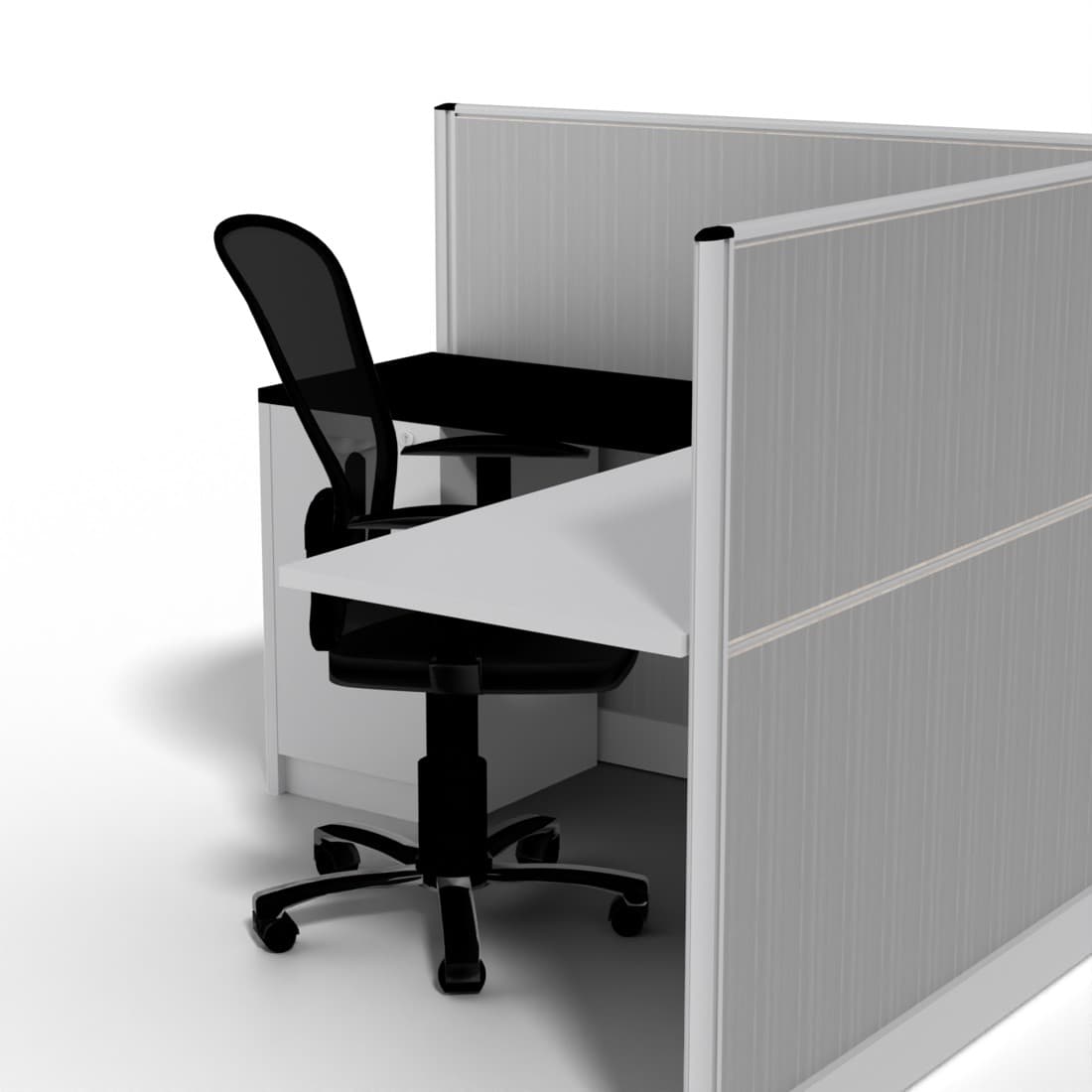
For computer work, a worksurface 120 to 160 cm wide and 60 to 80 cm deep, at 70–75 cm high, with at least 90 cm clear behind it for the chair. The configuration depends on how much the team collaborates: single for focus work, face-to-face double or a four-person cluster for teams that share information, with a divider panel if there are calls. For reference from the catalogue, the Stuttgart workstation (single) takes 154 × 154 cm, the Nuremberg (face-to-face double) 304 × 154 cm and the Hannover (4 seats) 311 × 305 cm.
The measurements that matter
If you're unsure about height, the ergonomics guide gives you chair, desk and monitor heights from your own height.
| Element | Reference | Why |
|---|---|---|
| Worksurface width | 120–160 cm | 120 cm fits one monitor and paperwork; with two monitors or drawings, 140–160 cm. |
| Depth | 60–80 cm | The monitor should sit at arm's length; with large screens, 70–80 cm. |
| Height | 70–75 cm | Elbows at 90° with the chair properly adjusted. Work yours out in the ergonomics guide. |
| Chair clearance | ≥ 90 cm | To stand up without hitting the furniture behind. |
| Walkway behind an occupied chair | ≥ 120 cm | So someone can walk past without asking. |
General planning references. Exact heights depend on the person: that's why an adjustable chair matters.
The configurations, one by one
- Single. One desk with a panel, for focus work, middle managers or desks that receive one person in front. In the catalogue: Stuttgart workstation, 154 × 154 × 120 cm.
- Face-to-face double. Two desks sharing a central panel and cabling: it saves floor area compared with two singles and makes it easy for two people to work together. In the catalogue: Nuremberg workstation, 304 × 154 × 120 cm.
- Four-person cluster. Four desks with divider panels around a core. It's the most space-efficient layout for operations, sales and customer service. In the catalogue: Hannover workstation, 311 × 305 × 120 cm.
- Modular linear. Desks in a row added module by module, useful when the team will grow. The Malta workstation is modular, with a melamine top and a 3-drawer pedestal; the Genova comes with 3 lockable drawers.
How to choose by type of work
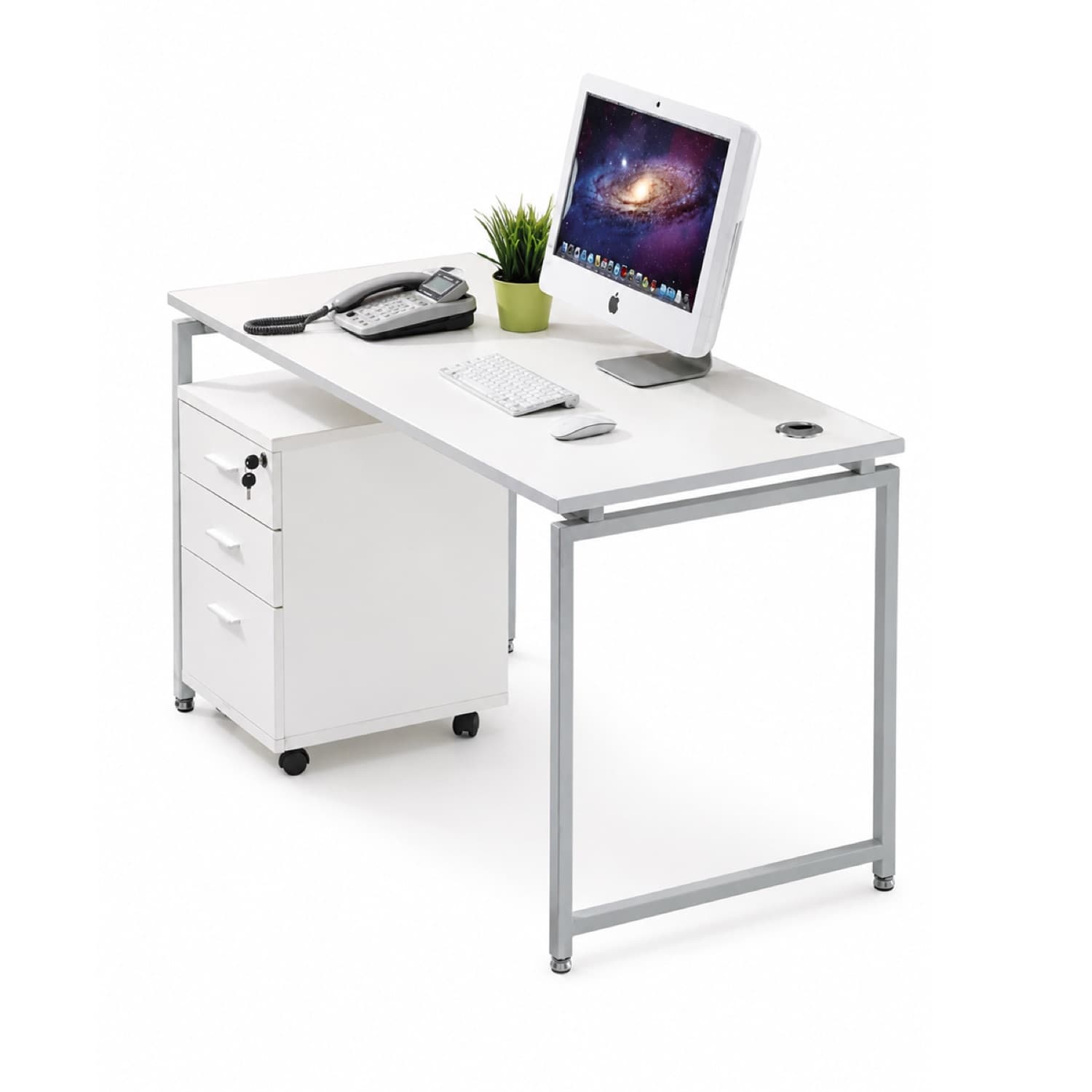
Call centre and operations: a compact 120 cm surface, a divider panel to cut visual noise and a task chair that lasts full shifts. Analysts, design and finance: 140–160 cm wide and 70–80 cm deep for two monitors. Collaborative teams: face-to-face doubles or four-person clusters, with a work table nearby. Hybrid office with shared desks: workstations without personal storage plus separate lockers, so nobody leaves things on the desk.
The panels on the catalogue workstations reach 120 cm overall height: they give privacy over the worksurface without closing the space. Also check how cables reach the desk: a workstation with built-in cable management avoids extension cords on the floor, the most common cause of trips in an office.
Storage and growth
Every assigned desk needs a lockable spot: a drawer pedestal under the worksurface or a credenza shared between desks. If the team will grow, ask for a modular line from the start: adding a module in the same finish is cheaper and faster than replacing every workstation. And before closing the purchase, place the workstations on the real plan with columns, windows and outlets; the guide to furnishing an office by area gives you the full method.
On video
See it before you decide
Common mistakes
50 cm depth with a large monitor
The screen ends up too close and people lean back to compensate. With large monitors, go for 70–80 cm deep.
Buying workstations without the outlet plan
If the outlet lands where there's no panel, extension cords appear on the floor. Coordinate workstations and power points together.
A 70 cm aisle behind the chairs
It looks fine on paper and feels bad in use: every time someone walks by, someone else has to move. 90 cm minimum; 120 cm if it's a walkway.
Mixing lines with no continuity
Three different models on one floor complicate replacements and expansions. Better one modular line for the whole operation.
Frequently asked questions
What is the standard size of an office desk?
For computer work, between 120 and 160 cm wide, 60 to 80 cm deep and 70 to 75 cm high. With two monitors, 140–160 cm wide and 70–80 cm deep works best.
How much space does a four-person workstation take?
The catalogue's Hannover workstation measures 311 × 305 cm. Add the chair zones and aisles around it: at least 90 cm clear behind each chair, and 120 cm where people walk.
Workstations with or without divider panels?
With panels if there are calls, public-facing work or you need visual privacy; without panels, or with low ones, for teams that collaborate all day.
How high should the desk be?
For most adults, 70 to 75 cm: seated with the chair adjusted, elbows rest at 90° over the surface. LuxaLine's ergonomics guide works it out from your height.
Can I expand later with the same model?
Yes, if you pick a modular line from the start: you add modules in the same finish without replacing what's already installed. Ask for it in your quote.
Where to see it in the catalogue
Come and try the pieces
LuxaLine furniture on display at ConstruMarket stores in El Salvador and Nicaragua. Book your visit: suggest a day and an advisor confirms the time.
Book your visitHow many desks, and of what type?
Tell us how many people, what each group does and the floor area. We'll propose the configuration and quantities.
An advisor gets back to you during business hours.